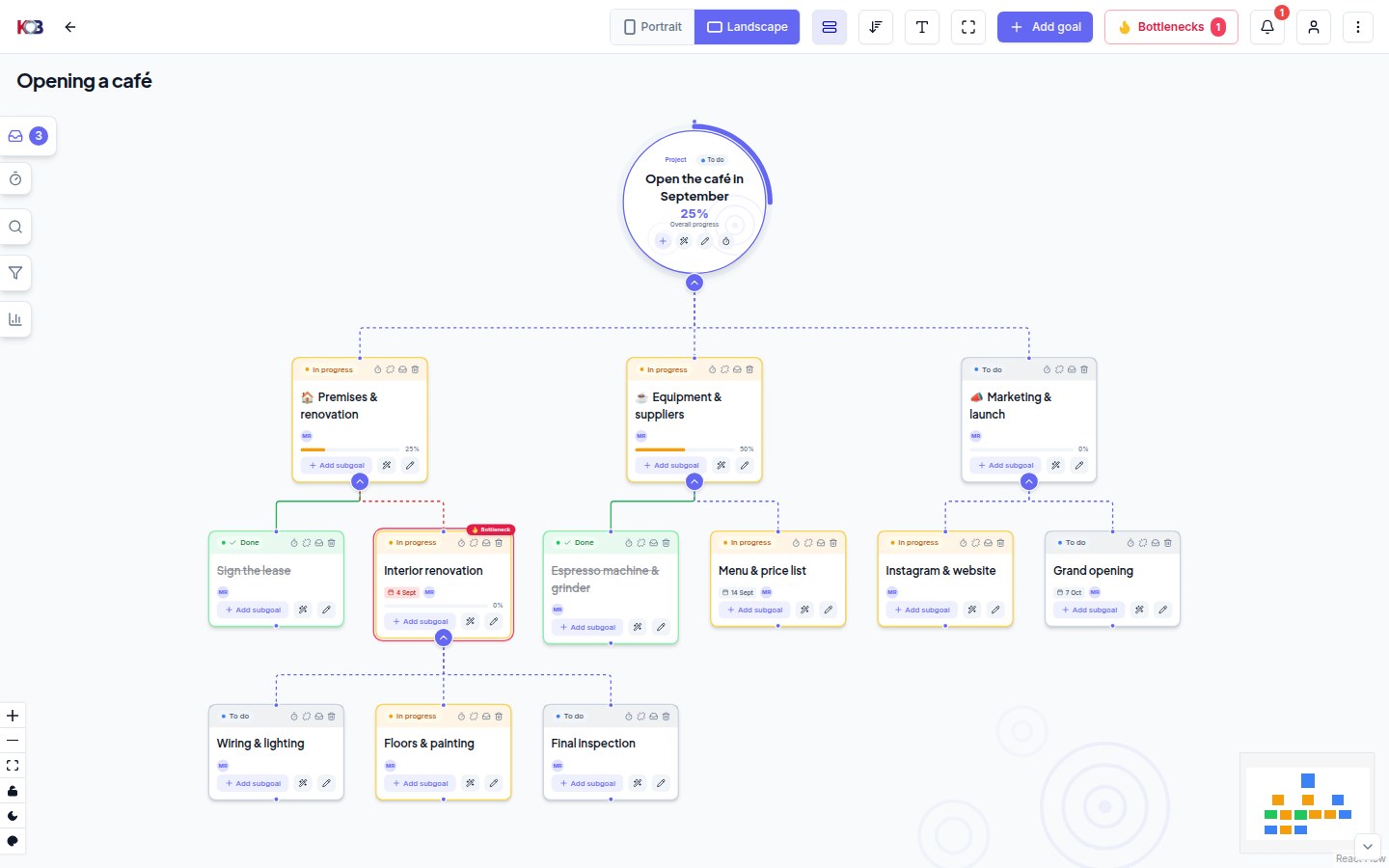
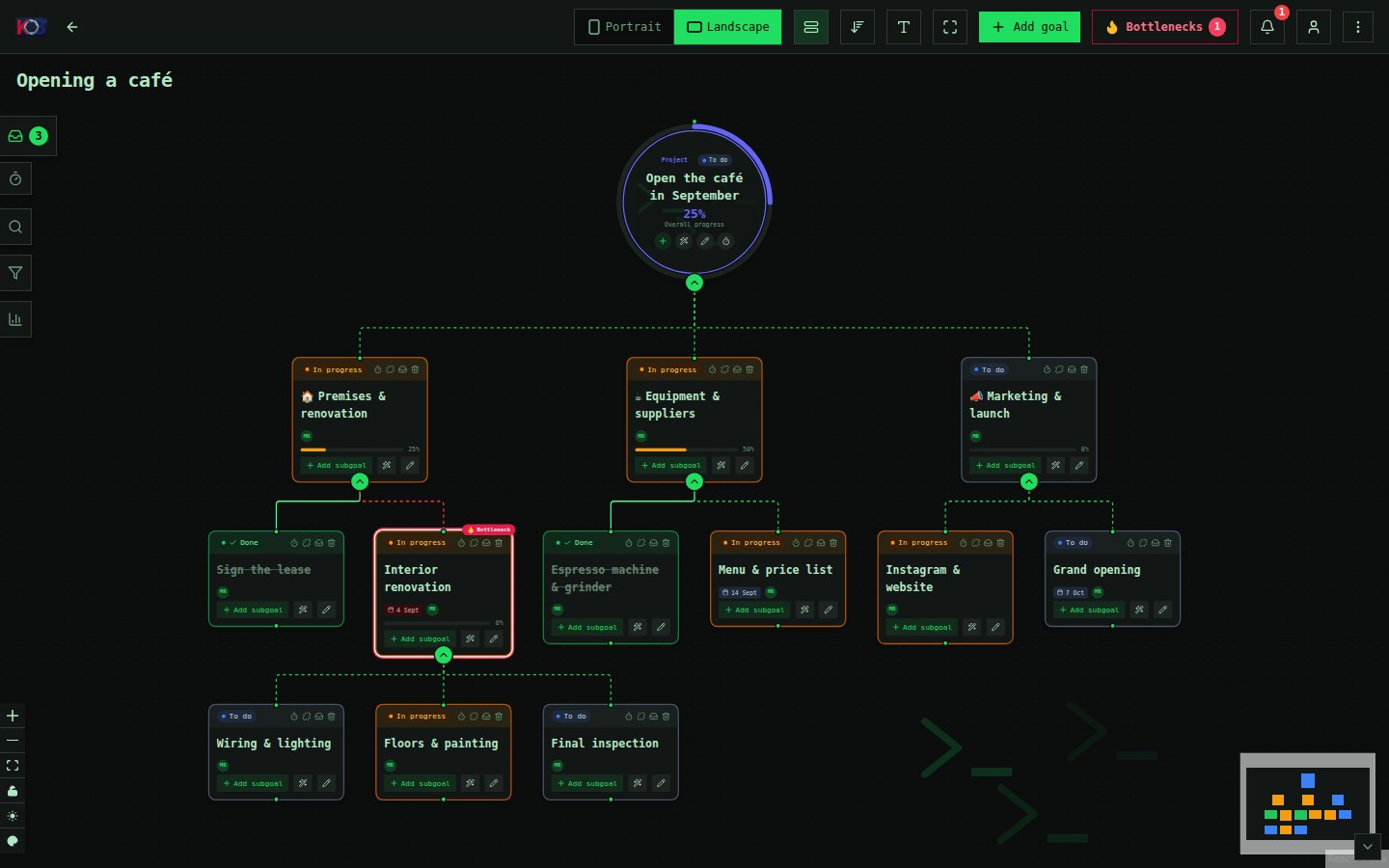
An unlimited AI assistant. The app for your whole team comes free.
You never pay per user: not self-hosted, not in the cloud. You get the whole killBottleneck — team collaboration, time tracking and the AI assistant included — for free when you run it yourself. You get the most with Unlimited AI: an assistant with no limits for 1, 5 or 12 people, plus the whole KB Cloud Start app free. Is the basic AI assistant enough? KB Cloud Start is $4.99 a month. And if you'd rather run killBottleneck yourself, self-hosted is free.
You never pay per user · Team calendar and AI assistant includedCompare plans
All killBottleneck features Unlimited people on every plan
01 / RECOMMENDED · UNLIMITED AI · KB CLOUD LITE FREE
Unlimited AI
The people you choose write to the assistant as much as they need, and you get the whole KB Cloud Start free on top. Everyone else on the team keeps the basic assistant from Start, and you can still have unlimited people. You pick who gets it in Organisation admin.
For 1 person
For you, when you work with the assistant all day.
Fair use: everyday work has no limit; at peak times a reply may slow down for a moment. More than 60 messages an hour, over 3,000 turns a month per person and automated use are slowed down, never stopped.
A turn = your message and the assistant’s reply, including everything it reads or writes for it. A morning briefing with questions is 10–15 turns. Turns renew every Monday; unused turns don’t carry over.
AI is processed in the EU, nothing is trained on it and nothing is retained. Self-hosted, the assistant runs on your own model — and in the cloud you can connect your own model too.
Is the basic AI assistant enough for you?
KB Cloud Start: the whole app for unlimited people, the assistant on a weekly turn quota.
02 / KILLBOTTLENECK · SHARED SERVER
KB Cloud Start
For individuals and smaller teams. Installation, backups and updates are on us.
Every feature of the app, nothing locked
Among other things:
Basic AI assistant included: 50 turns a week — about 3 morning briefings for you and a colleague
Connect Claude Desktop, Claude Code or your own code.
✅Every feature of the app, nothing behind a paywall
🔗REST API and MCP server included
🖥️Data stays on your hardware
🧠AI assistant via your own model (Ollama / OpenAI-compatible API), no quota
📁Attachments as files and links — you set your own limit
🔌Bring your own n8n (we give the templates away for free)
🛠️Backups and updates are up to you
Community support
Price unlocks no features.
The whole killBottleneck is in every variant, the AI assistant too. You pay for operations, and for Unlimited AI if you want it. A year = 10 monthly payments, cancel anytime.
Unlimited people everywhere. Unlimited AI is the whole KB Cloud Start, where the people you choose use the assistant with no limits. Self-hosted, you run it yourself.
Comparison of killBottleneck hosting options
What you get
Unlimited AI (Start included)
KB Cloud Start
KB self-hosted (free)
Every feature of the app
Included
Included
Included
REST API and MCP server
Included
Included
Included
Price
$18.99 (1 person) · $52.99 (up to 5) · $99.99 (up to 12) a month · year = 10 months
$4.99/mo · $13.99/quarter · $49.99/yr
$0
AI assistant with no limits
for 1 / 5 / 12 people (fair use)
add Unlimited AI
yes, with your own model
Number of people
unlimited
unlimited
unlimited
Machine
shared
shared
yours
Data location
Germany (professional datacentre, EU)
Germany (professional datacentre, EU)
your hardware
Backups and updates by
us
us
you
Task attachments
links only
links only
files and links
Team calendar
yes
yes
yes (company, rooms, time off, optional approval)
Basic AI assistant included
yes, for everyone else on the team
50 turns a week
your own model, no limit
Own model for the assistant (your PC or your AI key)
yes, no limit
yes, no limit
yes
n8n (automation)
no n8n
no n8n
your own
Your own domain
—
—
yours
Support
help pages and docs
help pages and docs
community
Swipe the table to see the full comparison.
How the AI assistant works. With Unlimited AI the people you choose write to the assistant as much as they need, and everyone else on the team uses the basic assistant. On KB Cloud Start the whole team has the basic assistant with a weekly quota. Self-hosted, it runs on your own model, no limit.
The intro video from the Ctrl+Alt+AI channel: what killBottleneck is and how to run your team's work with it and its AI assistant. English dubbing included.
No. Nowhere. Self-hosted and on KB Cloud Start you can have as many people as you like. That includes the team calendar: shared calendars, room bookings and time off for the whole team, nobody counts heads. You pay for the machine and for what runs on it. The only thing tied to headcount is performance: on the shared machine (Lite) you share it with neighbours and the AI quota is per instance — if you work with the assistant all day, take Unlimited AI. But nobody counts heads.
No. Self-hosted you get the whole killBottleneck including team collaboration and AI features (AI via your own model in Ollama, free) and templates for your own n8n — open source under the MIT license. Hosting is convenience for those who don't want to run it themselves, and it is what funds development.
One turn = one message from you to the assistant and its reply, including everything the assistant reads or writes for it (My day, the map, ideas, proposed steps). A morning briefing with questions and confirmation is roughly 10–15 turns; a short question is 1 turn. The quota renews every Monday; unused turns don't carry over. When they run out, the assistant tells you when they renew. In the app you see “X turns left until Monday”. If you don't want to count turns, add Unlimited AI.
It is KB Cloud Start where the people you choose use the assistant without a weekly quota: for 1 person, for a team of up to 5, or for a company of up to 12. You only pay for Unlimited AI; KB Cloud Start comes free with it. In Organisation admin you choose who gets it. Everyone else on the team keeps using the plan's turns, so you can still have unlimited people. A year = 10 monthly payments, cancel anytime.
Unlimited AI is for people's everyday work: morning briefings, planning, questions during the day. We don't limit that at all. At peak times, when many people write at once, a reply may slow down for a moment. So that one automated script doesn't take capacity from everyone else, we slow down more than 60 messages an hour and more than 3,000 turns a month per person — a very active person makes around 900 turns a month. Nothing stops, it only slows down.
Servers in Germany. AI is processed in the EU, nothing is trained on it and nothing is retained. Self-hosted, the assistant runs on your own model and data never leaves your machine. To be fair: the payment gateway and website protection are third-party services — it is written down in the privacy policy. Even in the cloud you can switch the assistant to your own model — then the conversations go wherever you point it.
Yes, in every cloud plan. In Organization settings the administrator enters the address of an OpenAI-compatible API (a home PC with a model behind a tunnel, your own server, or a provider of your choice), the model name and a key — and the assistant thinks there. Turn the PC on at home, sign in from anywhere, even your phone, and the turns do not count towards the quota. Photos and voice notes stay on our AI. The steps are in the tutorial “Own model in the cloud”.
Yes. “Download all my data” in My account → one file you can load into a self-hosted instance. Cancel anytime; after a paid plan ends we keep the data for another 90 days in case you come back.
Yes. killBottleneck is open source under the MIT license — run it for your clients, build on it, charge for your services. Only the name and the logo stay with us: a service of your own needs its own name (TRADEMARKS.md in the repository).
Unlimited AI from $18.99 a month, with the whole KB Cloud Start app free. If the basic assistant is enough, KB Cloud Start is $4.99. Cancel anytime, download all your data whenever you like. Self-hosting stays free.Let's talk it over